The ATS MCP server for Claude & ChatGPT
Screen candidates, import data, create jobs and schedule interviews from your AI assistant. Read and write, included on every plan, including Free.
- Claude
- ChatGPT
- Grok
- Codex
- Cursor
- Claude Code
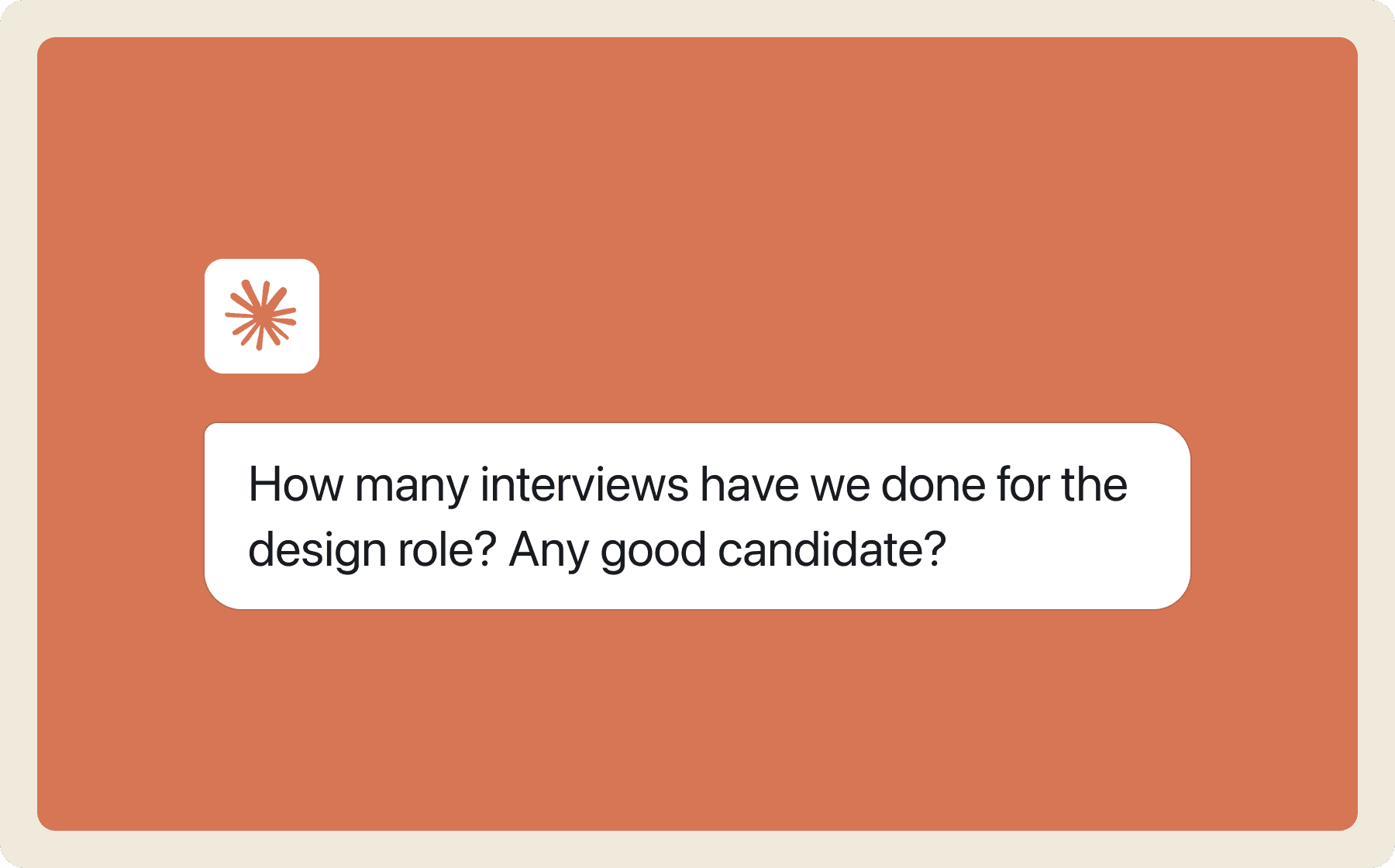
Try asking your AI
Analytics
"How fast are we moving in this role?"
"How many people did each recruiter source and shortlist?"
"How many interviews has each interviewer taken last month?"
Searching and screening
"Read all profiles and find iOS engineers with 2+ years exp"
"Has anyone from Amazon ever applied to us?"
"Screen the whole pipeline against the JD and write the scores back as a column"
Data import
"Add all people who have emailed me for a job to the hiring funnel"
"Import this google form/sheet to binary and help me screen"
New openings
"Create a new job for marketing and help me write a JD"
"Suggest me some AI-proof questions for this hiring form"
"Let's make this job live on our LinkedIn page too"
Interviews
"Check Priya's and Sam's open slots next week and schedule a 45-minute interview"
"Reschedule the 3pm interview to Thursday and let the candidate know"
How to connect?
Ask your AI agent to connect to Binary's MCP server with the URL below.
Set up by client
Add Binary as a remote MCP server, then sign in with your Binary account. Menu names can change between client versions.
Binary in Claude
- Open Settings → Connectors and choose Add custom connector.
- Paste https://api.binary.so/mcp as the server URL.
- Sign in with your Binary account and pick the workspace to connect.
Binary in ChatGPT
- Open Settings → Connectors and create a new connector (developer mode must be enabled).
- Paste https://api.binary.so/mcp as the MCP server URL.
- Sign in with your Binary account when prompted, then enable the connector in a chat.
Binary in Cursor
- Open Cursor Settings → MCP and add a new server.
- Set the URL to https://api.binary.so/mcp.
- Complete the Binary sign-in in the browser window that opens.
Binary in Claude Code
- Run: claude mcp add --transport http binary https://api.binary.so/mcp
- Type /mcp in a session and sign in with your Binary account.
Binary in Codex
- Run: codex mcp add binary --url https://api.binary.so/mcp
- Sign in with your Binary account when Codex opens the consent page.
How Binary's MCP compares
Several ATS vendors now ship an MCP server. The differences are who can use it and what it can do. From vendor pricing and docs pages, checked October 2026.
| ATS | Who gets MCP | Access |
|---|---|---|
 Binary Binary | Every plan, including Free; no request cap | Read and write, including scheduling, rescheduling and cancelling interviews |
 Workable Workable | All plans at no additional cost (from $299/mo); OAuth per user | Read and write: 39 write tools, from stage moves to offer approvals; no scheduling |
 Greenhouse Greenhouse | Open beta on Core, Plus and Pro (custom-priced, annual) | Read or write per endpoint, scoped by a Site Admin |
 Ashby Ashby | Open beta on all plans (from $400/mo) | Read, plus limited writes: notes, stages, candidates |
 Dover Dover | Free plan with a monthly request allowance; unlimited on Premium ($199/mo) | Read and write, including scheduling, rescheduling and cancelling interviews |
 Recruit CRM Recruit CRM | Business ($135/user/mo) and Enterprise only | Read and write, including scheduling, rescheduling and cancelling interviews |
 Zoho Recruit Zoho Recruit | Included at no extra cost since July 2026; free-edition availability not stated | Read, plus the updates you allow |
 Gem Gem | Gem customers; official Claude and ChatGPT connectors since August 2026 | Read and reports; no write actions documented |
 Teamtailor Teamtailor | Quote-based plan; enabled by a Company Admin | Read, create-and-modify, delete by role |
 Breezy HR Breezy HR | Beta; Breezy Intelligence add-on on every plan, including free Bootstrap | Read and write: stages, notes, positions, messages |
 BambooHR BambooHR | Beta; any account once an admin enables the AI Connectors app | Read openings, applications and statuses; write comments only |
Frequently asked questions
What is the Binary MCP server?
MCP stands for Model Context Protocol, an open standard for connecting AI assistants to tools and data. The Binary MCP server lets Claude, ChatGPT and other assistants read your hiring data from the ATS and take actions on your behalf: screen candidates, import data, create jobs and manage interviews. It exposes the same capabilities as the AI agent built into Binary, the AI-native ATS, so you can use whichever assistant you already work in.
Which AI assistants can I use?
Any assistant that supports MCP, including Claude, ChatGPT, Codex, Grok, Cursor, Claude Code. The protocol is an open standard, so support keeps widening without us shipping a separate integration for each one.
What actions can I take via Binary MCP?
You can generate reports, search your candidate database, screen candidates in batches and write the scores back, import data from email, sheets or existing forms, create new jobs and post them to job boards, and manage interviews: check interviewer slots, schedule, send booking links, reschedule or cancel. Actions are read and write, not read-only.
Do I need a Binary account?
Yes. You sign in with your Binary account when you connect, and choose which workspace the assistant can access. The free plan is enough to start.
Is it secure? What can the agent see?
The connection uses OAuth: you sign in on a Binary consent page, pick a workspace, and can revoke access at any time from Settings → Integrations. Every call runs as you, so the assistant inherits exactly your permissions in that workspace, nothing more. Binary does not train models on your data. Whether the AI provider retains your conversation depends on your Claude, ChatGPT or other provider plan, so check their data policy for the account you connect.
Are there any extra charges for using this?
No. MCP is included on every plan, including Free, with no per-request fee and no cap on requests. Actions that consume AI credits, such as AI screening, draw from your monthly credits like they would in the dashboard, and paid plans have higher rate limits.
How does Binary MCP compare with Greenhouse MCP or Ashby MCP?
Greenhouse MCP is in open beta on its custom-priced tiers with scopes set by a Site Admin; Ashby MCP is in open beta on plans from $400 a month with limited writes; Dover meters MCP on its free plan; Recruit CRM gates it to its $135 per user Business tier; Zoho Recruit, Teamtailor and Gem added theirs in 2026. Binary includes MCP on every plan, including Free, with read and write actions and full interview management. See the comparison table above.